Occupations
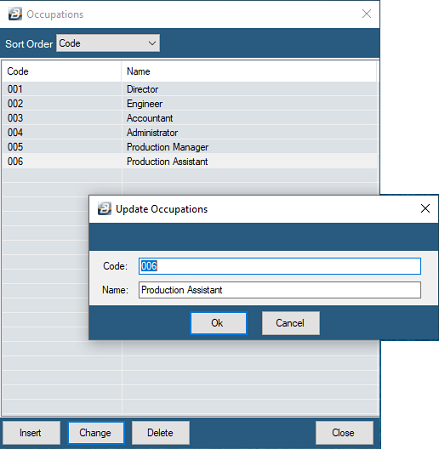
Record different employee occupations in the organization. Occupation describes the nature of employment and appears on the P6. The occupation may coincide with, but is not the same as, the position in the organization.
Creating an Occupation
- Go to the Edit - Organizational - Occupation menu option
- From the table of current Occupations click Insert.
- Then enter Occupation details and press OK to save the Occupation.
Was this page helpful?